
Image-to-Image — Transform photos with AI
Transform your photos instantly using Image To Image. Fast, mobile-ready results.
Feedback
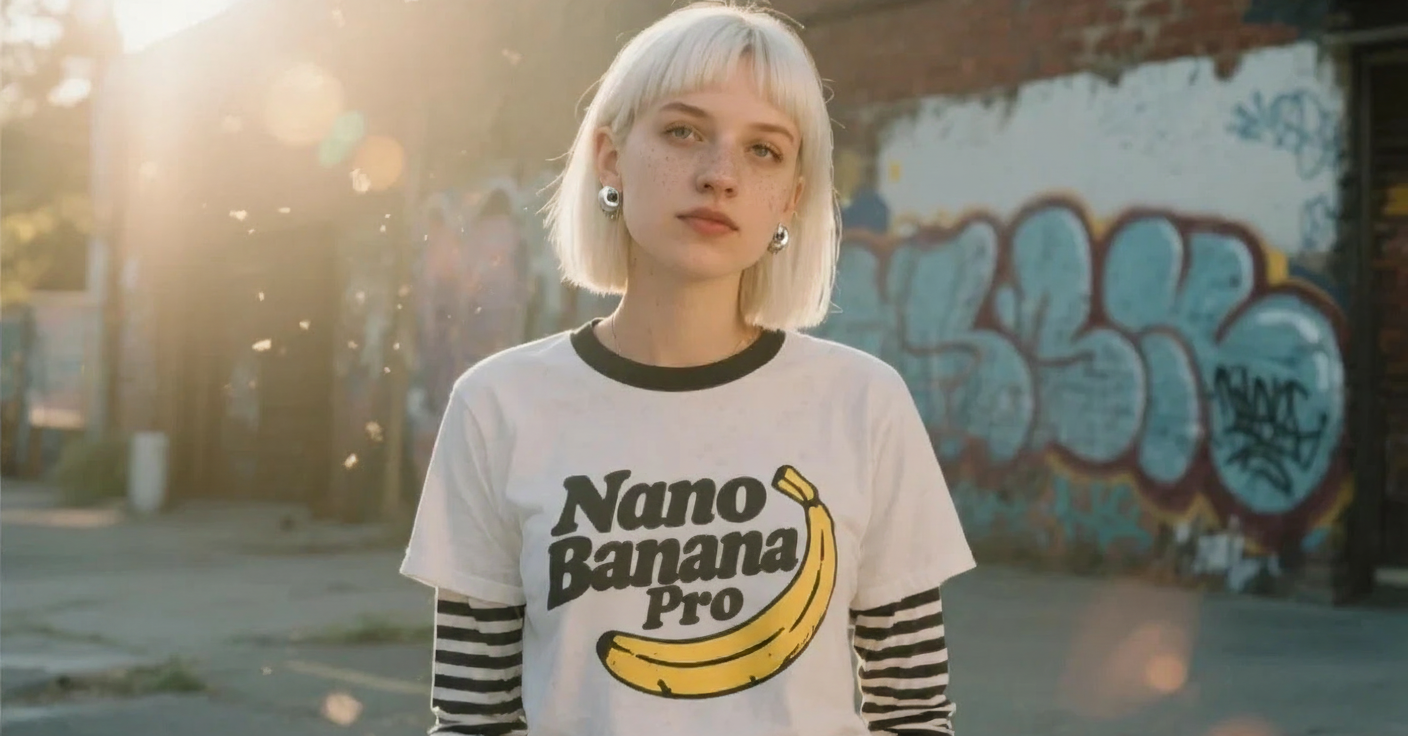
AI Tools
Explore AI tools
MiniMax H3
MiniMax H3 AI Video Generator
Seedance 2.5
The Future of AI Video Is Here.

Seedance 2.0
The Future of AI Video Is Here.

Veo3.1
Create Stunning Videos with Veo3.1
FLUX 3 Video Generator

Kling 3.0
Next-Gen AI Video Generator
Grok Video Generator
Create Videos from Text or Images with AI
MiniMax H3 video generator
MiniMax H3 AI Video Generator
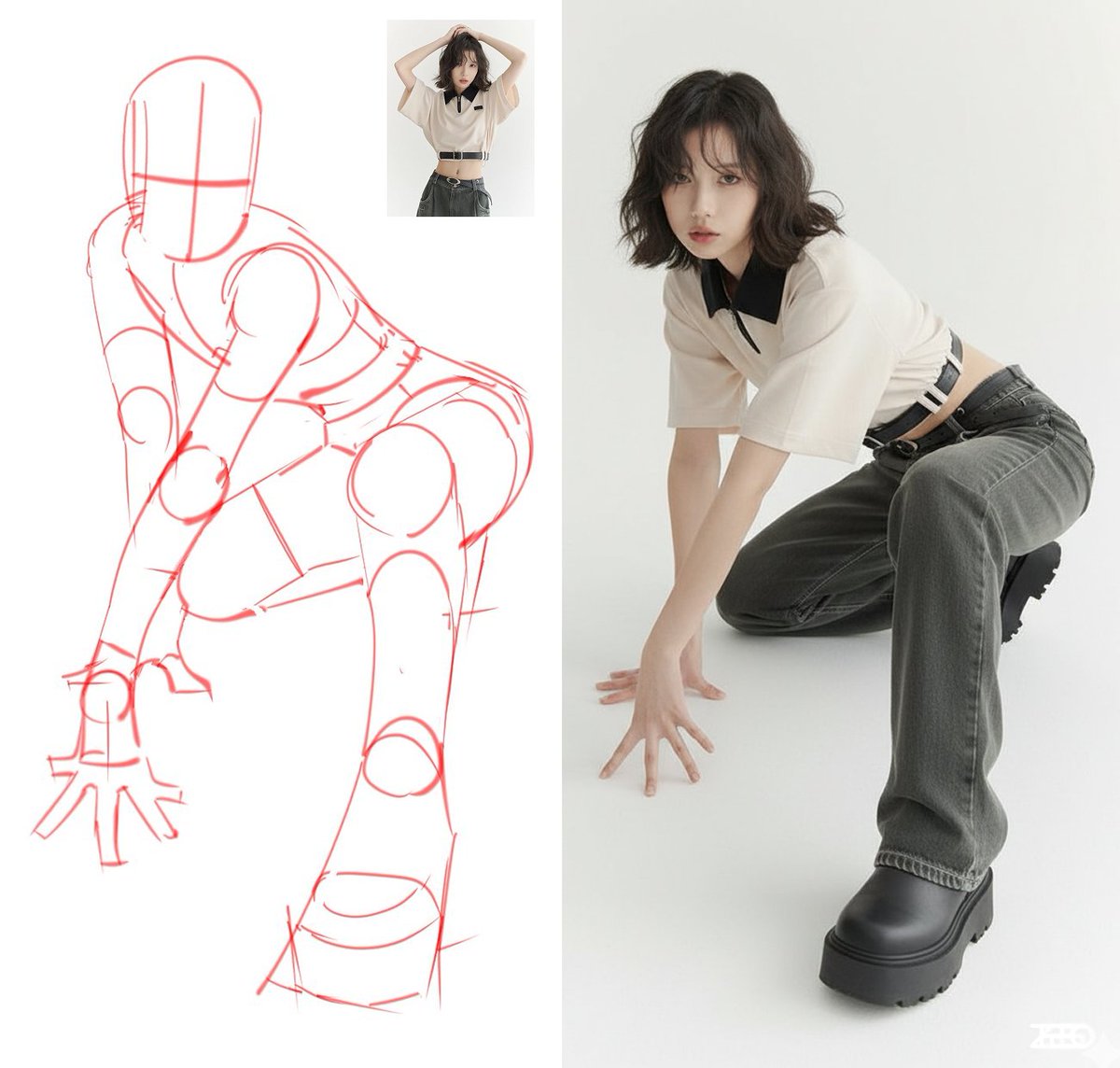
Why use Image To Image
Remix photos into fresh images with Image To Image — quick and precise.
- ControlUse a photo plus a prompt to steer results with Image To Image.
- SpeedFast render times for mobile-friendly editing.
- Ready to ShareOutputs fit social and small-screen formats.
How to Use Image To Image
3 quick steps to transform a photo with Image To Image.
Image To Image Features
Compact features built for fast, guided photo edits on mobile.
Reference Control
Keep subject details while changing style with Image To Image.
Multi-Model
Choose models for different looks and speeds.
Mobile Ready
Outputs optimized for phones and social sharing.
Image To Image FAQ
Common questions about Image To Image usage.
What is Image To Image?
A tool that remixes photos into new images guided by a prompt.
What can I create?
Style changes, cleanups, mood shifts and creative edits from a reference photo.
How long does it take?
Most renders finish in under a minute depending on model and queue.
Can I download results?
Yes — download and share Image To Image outputs.
Is it suitable for professionals?
Yes. Use Image To Image for prototypes, social, and marketing assets.
Create with AI Halloween Filter
Turn ideas into spooky images fast with AI Halloween Filter.