
Feedback
ChatGPT Image 2.6
ChatGPT Image 2.6 turns a prompt into crisp stills or looping GIFs in seconds, keeping faces and products on-brand through every edit.
AI Tools
Explore AI tools

Free AI Image
Truly Free AI Image Generator
Gpt Gif Generator

Image Upscaler
Enhance image resolution effortlessly

AI Color Changer
Transform photo colors in seconds
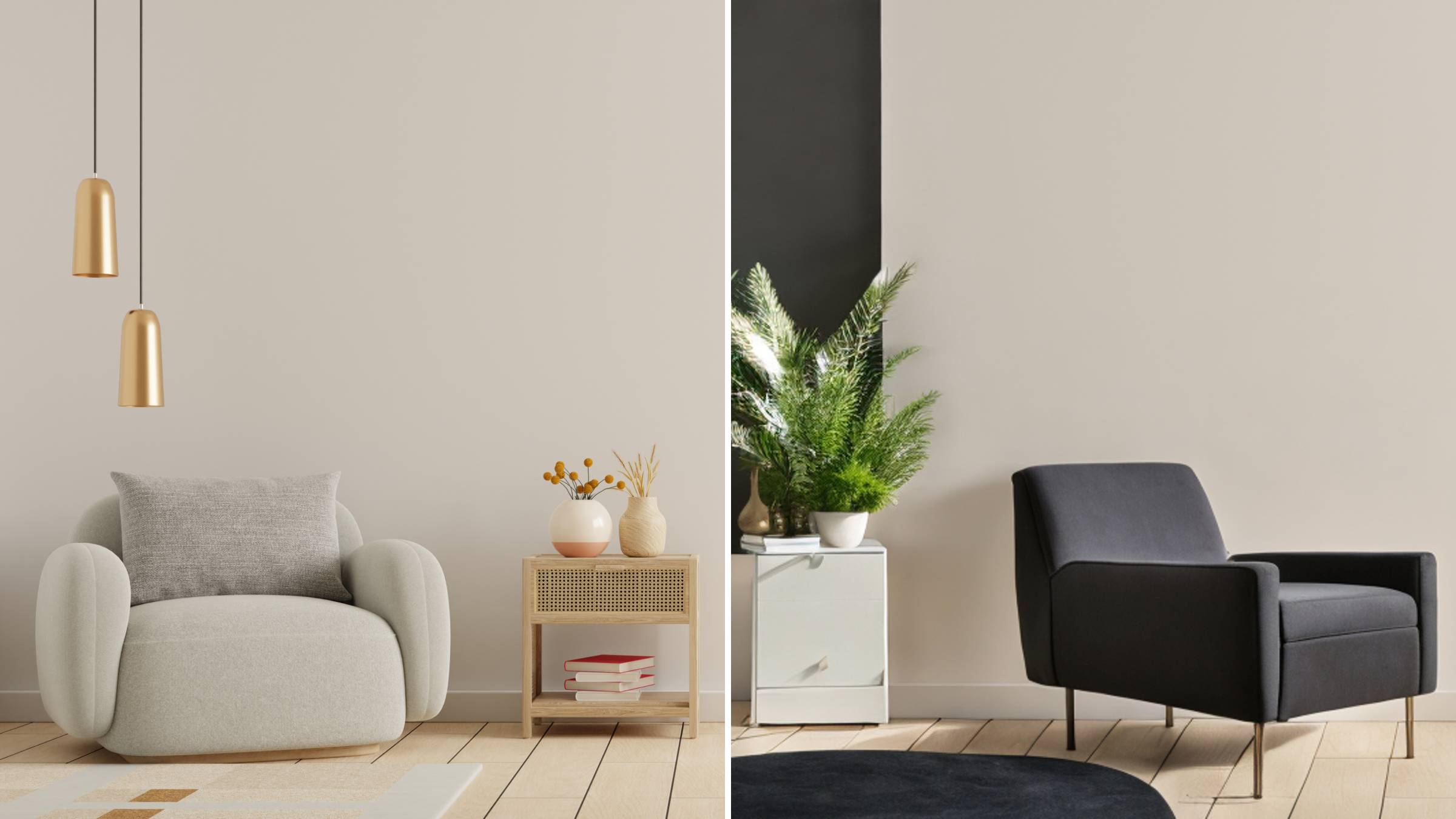
AI Room Designer
Design your dream room with AI-powered 3D rendering

Skin Enhancer
Enhance skin texture naturally with AI
Face Editor
Enhance face texture naturally with AI
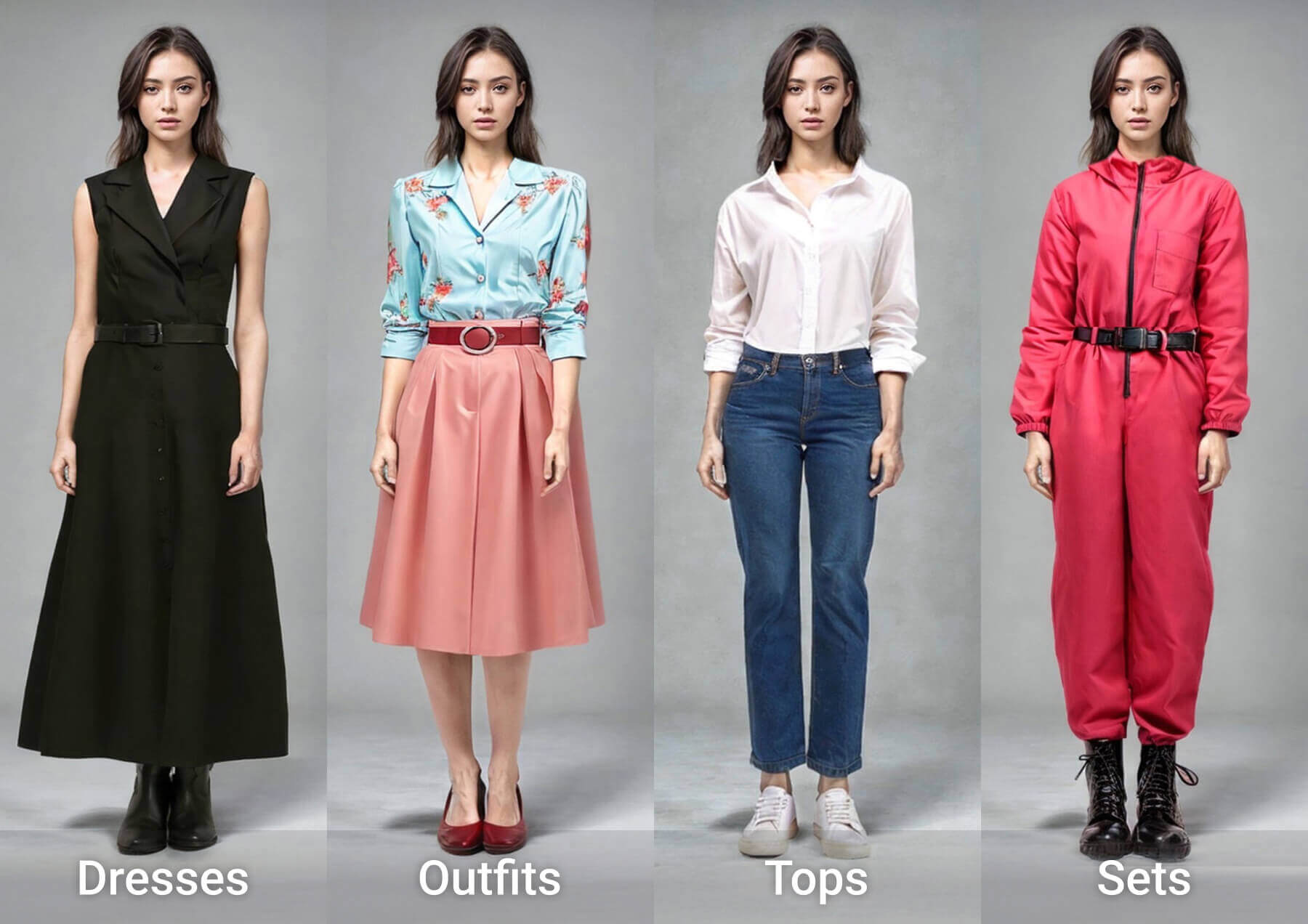
AI Clothes Changer

Inside ChatGPT Image 2.6: Speed, Consistency, Motion
The 2.6 release doubles render pace, holds faces and merchandise recognizable across repeated passes, and ships motion-ready GIF export so one idea can live as a still or a loop.
- Renders Land in Half the TimeExpect output roughly twice as quick as earlier versions; through the API, Flare can hand back a draft-quality frame in about six seconds.
- Faces and Products Stay On-ModelRepeated edits no longer drift — characters, packaging, and brand marks remain recognizable, and Sunburst holds that fidelity even tighter at medium or high settings.
- GIF Export for Motion-Ready IdeasTurn a mascot, a reaction, or a product shot into a seamless loop, even starting from a rough sketch — animation is built into the same workflow.
How ChatGPT Image 2.6 Works in Three Steps
Go from picking a model to writing sprite-sheet prompts and dialing in precise retouches — the whole loop takes minutes.
ChatGPT Image 2.6 FAQ
Straight answers on model options, render speed, character consistency, GIF output, availability, and the creative controls.
Which models can developers call through the API?
Two are offered: GPT-Image-2.6 Flare and GPT-Image-2.6 Sunburst. Flare suits high-volume iteration, while Sunburst is the pick when visual fidelity carries more weight.
How quickly does a render come back?
With quality set to low, Flare can deliver a finished frame in roughly six seconds — part of the overall twofold speed gain over the prior release.
Will characters and products look the same after edits?
Yes. Recurring faces, packaging, and brand elements stay recognizable across repeated passes, and Sunburst strengthens that hold at medium or high quality.
Does it support animated GIF creation?
It does. You can add motion to mascots, reaction memes, or a product still that becomes a repeating clip, all without leaving the tool.
Where is ChatGPT Image 2.6 available, and on which plans?
It runs worldwide in ChatGPT and Codex across every subscription tier — desktop, mobile, and browser — and developers can also integrate it via the API.
What do the complexity setting and image markup control?
Complexity sets how much planning the model spends — keep it low for fast touch-ups, raise it for busy scenes — while markup tells the model precisely which region to rework.
Create with ChatGPT Image 2.6 Today
Kick off with a quick retouch or a looping GIF inside ChatGPT or through the API, then review API pricing and the system card for safety details.