AI Design Tool
Describe your idea and let this AI Design Tool build polished logos, banners, and social graphics in seconds — no design skills required.
Feedback

freeTrialImage.bannerPity
freeTrialImage.upgradeUnlock
- ✓freeTrialImage.benefitHd
- ✓freeTrialImage.benefitWatermark
- ✓freeTrialImage.benefitUnlimited
AI Tools
Explore AI tools
MiniMax H3
MiniMax H3 AI Video Generator
Seedance 2.5
The Future of AI Video Is Here.

Seedance 2.0
The Future of AI Video Is Here.

Seedance 2.0
The Future of AI Video Is Here.

Gemini Omni
Gemini Omni Video Generator
Image to Video
Generate videos from images

Gemini Omni 1.2 Flash

AI Multi-Scene Shorts Generator
Create viral AI Shorts instantly
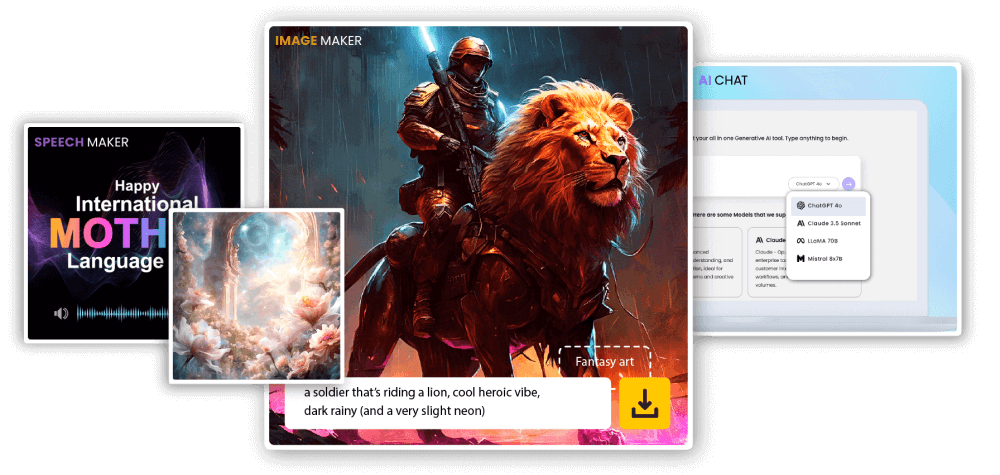
What our AI Design Tool brings to your workflow
Hand over a sentence or two and get back polished graphics you can publish on your site, in ads, or across social feeds.
- Automatic layoutBalanced spacing and hierarchy, handled for you.
- Rapid draftsCompare several directions before you commit.
- Ready to publishFiles come out clean enough to ship as they are.
What you can make with AI Design Tool
Create on-brand visuals faster with fewer steps.
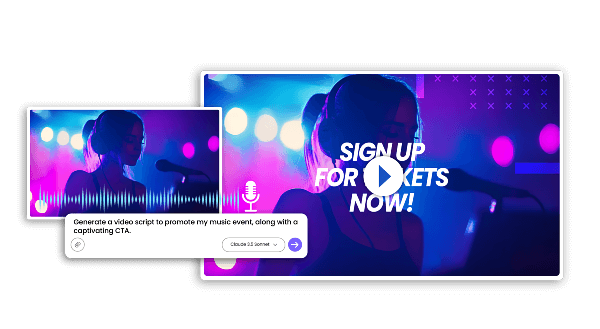
Getting started with our AI Design Tool takes three steps
No tutorials, no timeline — just three short moves.
Capabilities packed into this AI Design Tool
Layout starters, simple tweaks, and export options that keep daily creative work moving.
Layout starters
Begin from a clean grid instead of an empty canvas.
Inline tweaks
Swap wording and recolor elements without menus.
Prompt intelligence
Reads the brief and keeps the intent intact.
Quick turnaround
Options arrive while the idea is still fresh.
Unified look
Repeated runs stay visually on-brand.
Format flexibility
Resize the same concept for any channel.
Common questions about our AI Design Tool
Short, straight answers before you start.
What exactly is this tool?
It is a generator that converts a written brief into finished graphic assets.
Which asset types can I create?
Logos, feed posts, ad banners, thumbnails, and matching brand visuals.
How long does a generation take?
Usually a minute or two, depending on the model and resolution you pick.
Can I save the output?
Yes — export the file as soon as the render finishes.
Are commercial rights included?
Usage rights follow your subscription tier, so check your plan details.
What makes it worth using?
It shortens the gap between an idea and a usable file while keeping the look consistent.
Put this AI Design Tool to work
Write a brief, pick a style, and export a finished graphic. No cost to begin.