
AI Virtual Try On
Turn one photo into a lifelike outfit preview: our AI Virtual Try On keeps your face, pose and body shape intact while swapping garments in seconds.
Feedback
AI Creative Tools
Explore AI creative tools

Free AI Image
Truly Free AI Image Generator

Image Upscaler
Enhance image resolution effortlessly

AI Color Changer
Transform photo colors in seconds
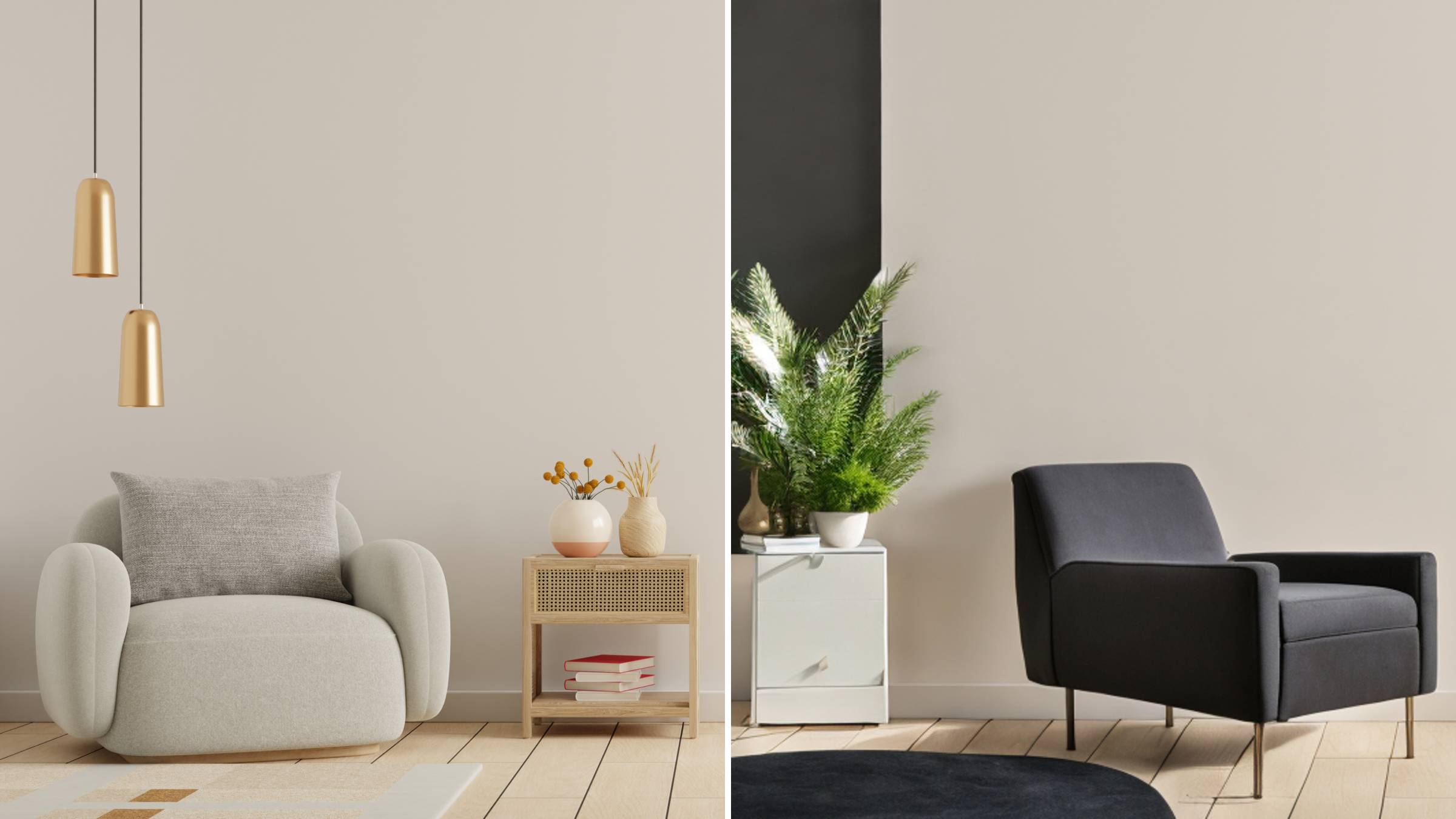
AI Room Designer
Design your dream room with AI-powered 3D rendering

Skin Enhancer
Enhance skin texture naturally with AI
Face Editor
Enhance face texture naturally with AI
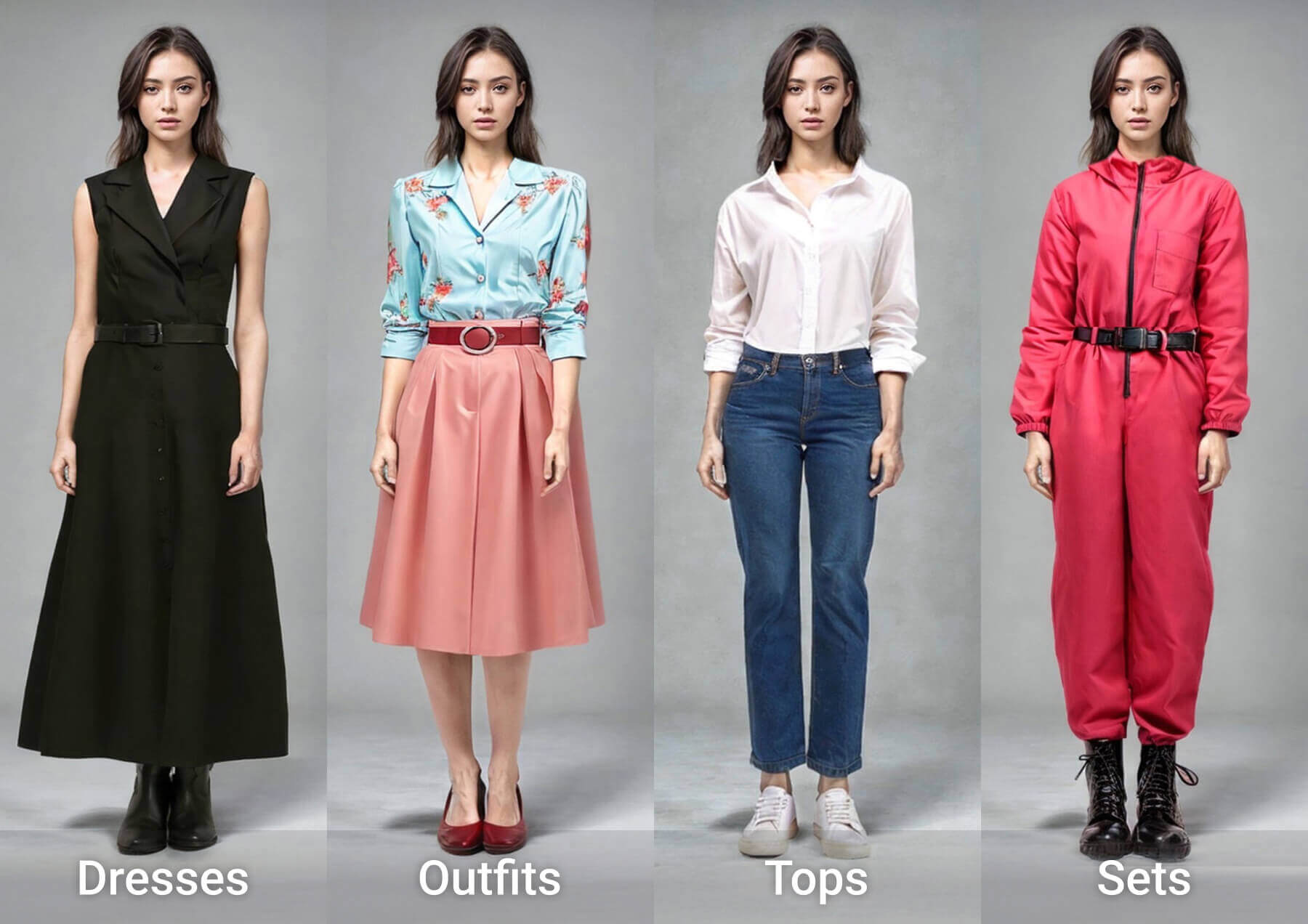
AI Clothes Changer
Realistic Outfit Previews, Powered by AI Virtual Try On
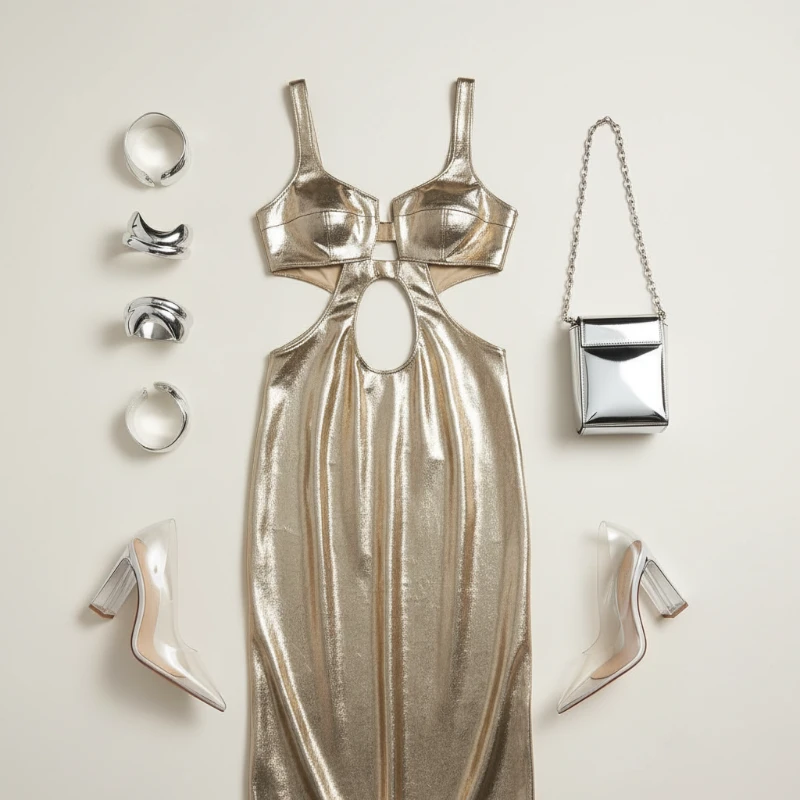
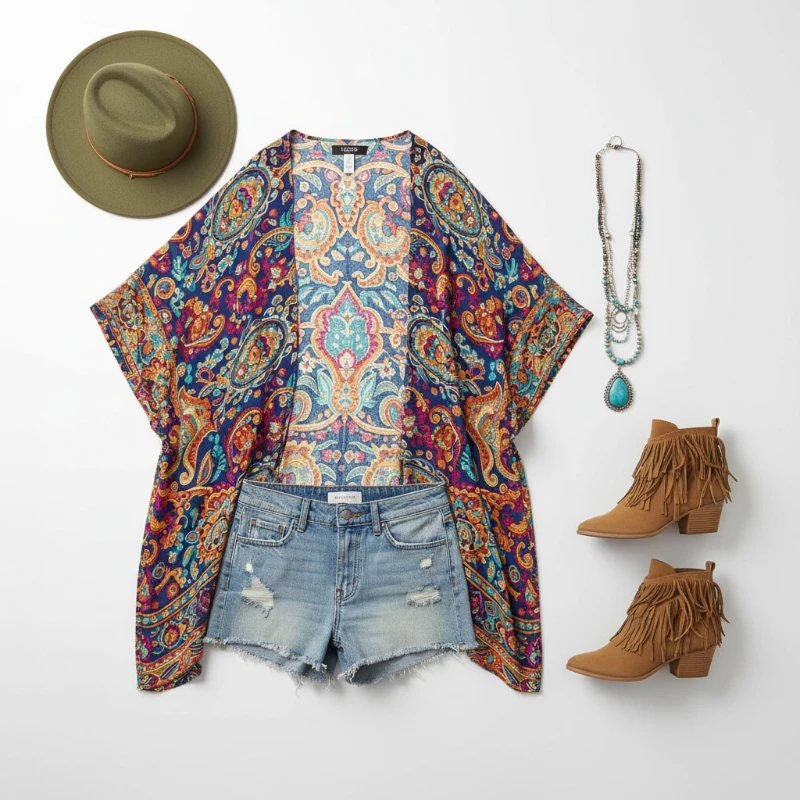
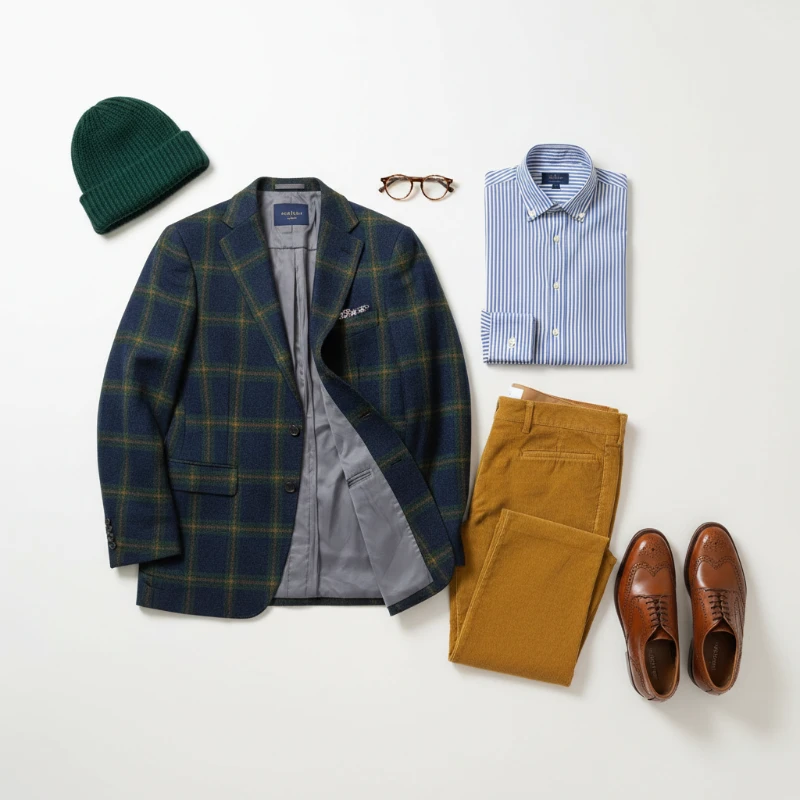
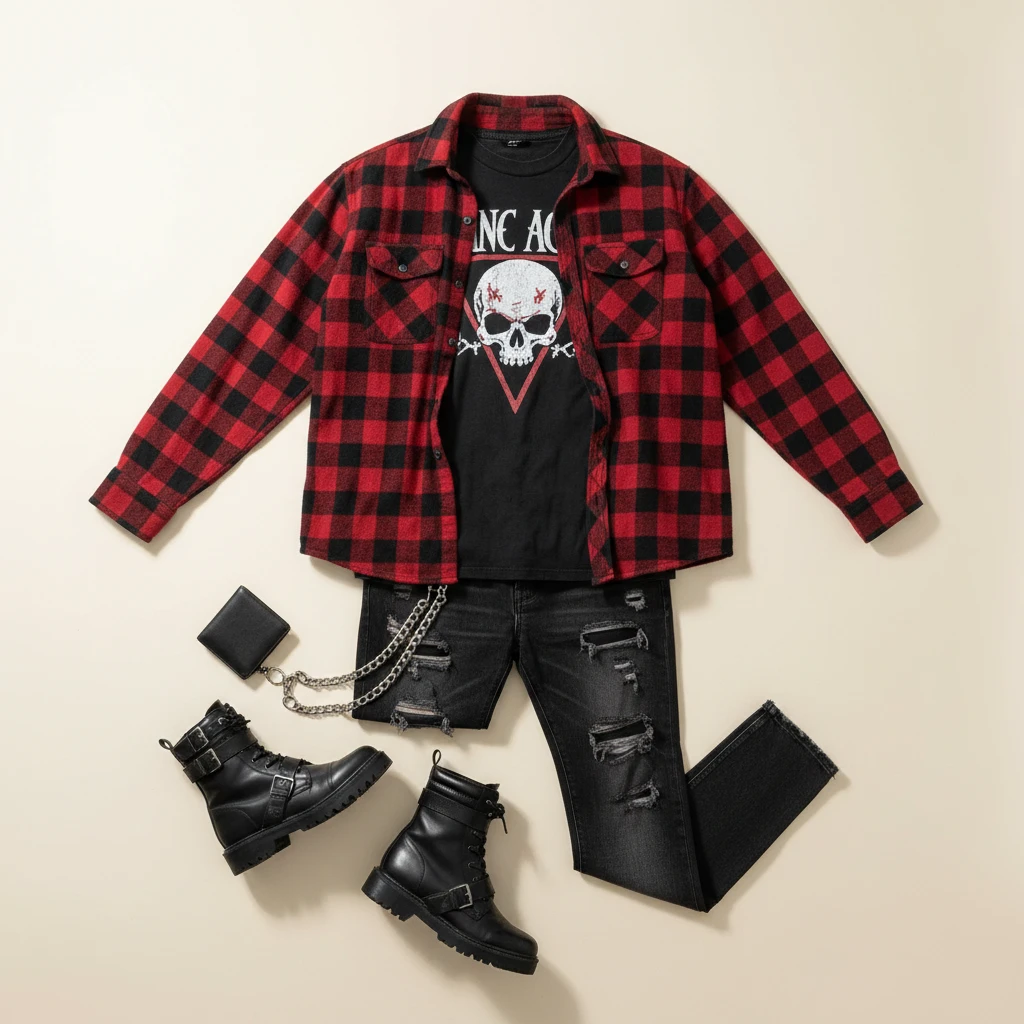
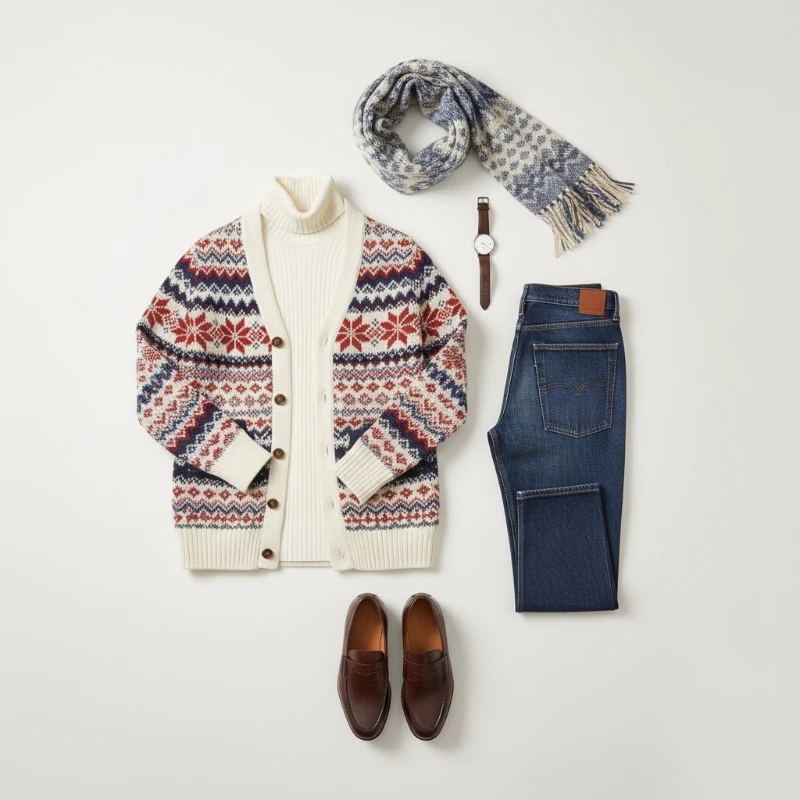
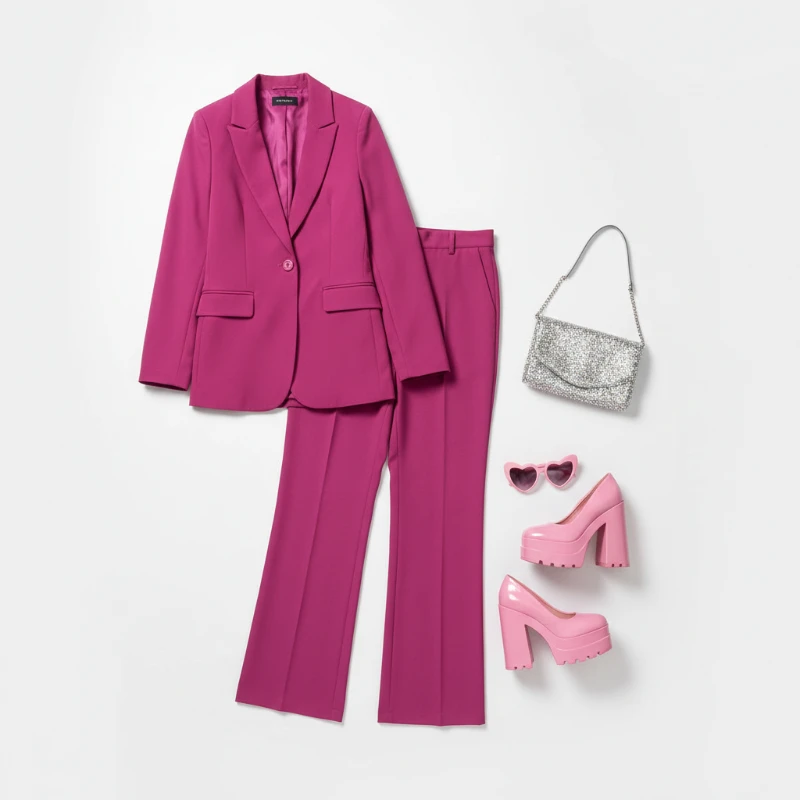
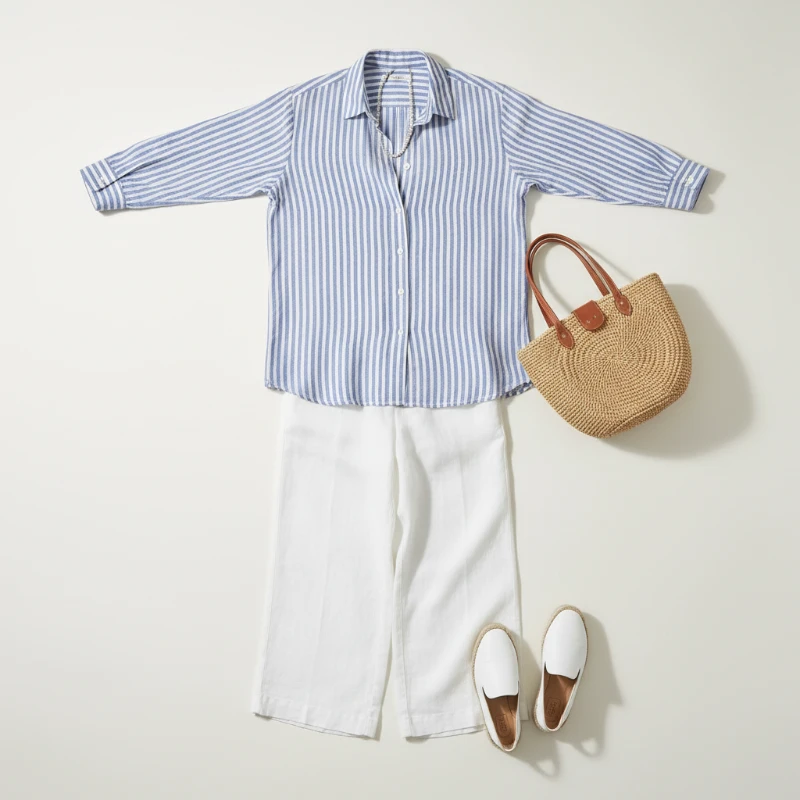
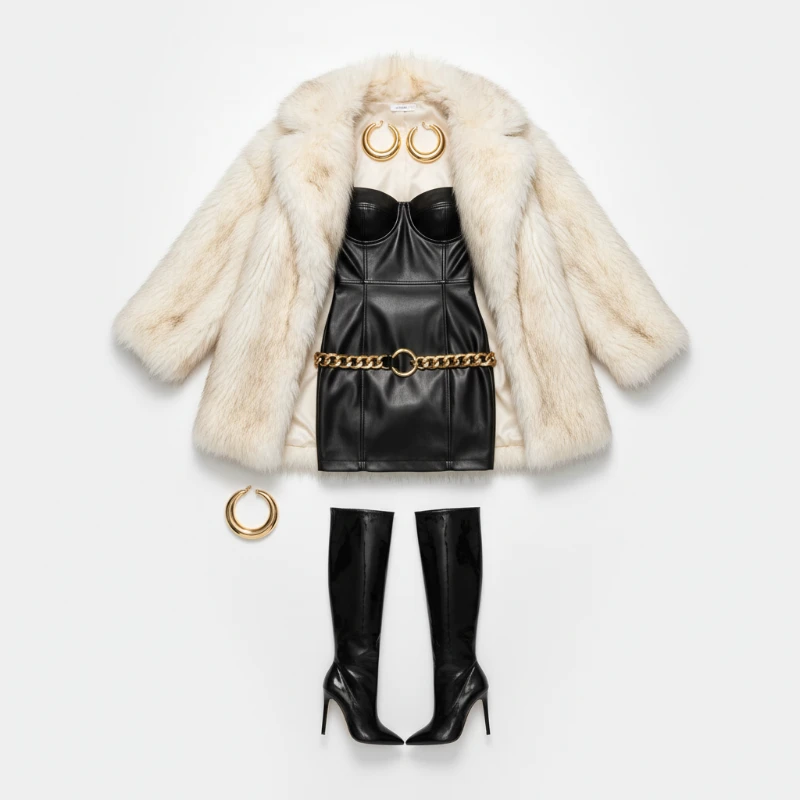
One tap shows how a garment fits and drapes on your own photo, rendered by AI Virtual Try On with lifelike fabric texture.
- Convincing Garment SwapsClothes are rebuilt pixel by pixel, so your face, posture and body proportions stay exactly as they were.
- Seconds, Not SessionsGo from upload to a share-ready preview in moments — fast enough to compare several looks back to back.
- Studio-Grade RenderingFabric weave, folds and consistent lighting are reproduced so results look ready for a product page.
Why Choose AI Virtual Try On
Accurate fit previews, quick processing, and easy sharing for e‑commerce and social use.
How the AI Virtual Try On Works in Three Steps
Upload a portrait, choose a preset look or your own garment shot, then review and save — the whole AI Virtual Try On flow takes about a minute.
Six Things the AI Virtual Try On Gets Right
From identity-safe swaps to mobile-friendly exports, the AI Virtual Try On engine covers every step of a believable preview.
Identity-Safe Swaps
Garments change; your facial features, skin tone and pose do not.
Granular Style Control
Nudge colour, cut and fit until the look matches the reference you have in mind.
Seamless Compositing
Lighting, contact shadows and fabric folds are reconciled so nothing looks pasted on.
Quick Turnaround
Renders finish in roughly a minute, which keeps mobile shoppers and content teams moving.
Print-Ready Output
Exports arrive at high resolution, suitable for product galleries, lookbooks and social posts.
Frictionless Flow
Upload, preview and save without menus or manual masking — the tool handles the rest.
Questions About AI Virtual Try On, Answered
Fit accuracy, turnaround time, photo requirements and pricing — the answers shoppers and store owners ask most.
What exactly does this tool do?
It maps a garment onto a photo of you, rebuilding the cloth so the result keeps your face, pose and body shape.
Which photos give the best results?
Sharp, evenly lit portraits or full-body shots with the outfit area unobstructed work best; blurry or dark images reduce accuracy.
How fast is a single preview?
Typically one to two minutes, depending on image size and how complex the garment is.
Can I download the finished image?
Yes — previews can be saved at full resolution for store listings, mood boards or social posts.
Does it cost anything to start?
You can begin with free credits; paid tiers unlock more renders and priority queueing.
Who benefits most from it?
Online shoppers checking a fit, brands cutting photoshoot costs, and creators producing styling content quickly.
Start Your Free AI Virtual Try On Now
Upload one photo and watch the outfit change in front of you — realistic fit and fabric detail, no fitting room required.