
AI Photo Upscaler
Turn blurry, compressed shots into sharp, high-resolution images. This AI photo upscaler rebuilds fine detail, clears noise, and exports in seconds.
Feedback
All Tools
Browse AI tools
MiniMax H3
MiniMax H3 AI Video Generator
Seedance 2.5
The Future of AI Video Is Here.

Seedance 2.0
The Future of AI Video Is Here.

Veo3.1
Create Stunning Videos with Veo3.1
FLUX 3 Video Generator

Kling 3.0
Next-Gen AI Video Generator
Grok Video Generator
Create Videos from Text or Images with AI
MiniMax H3 video generator
MiniMax H3 AI Video Generator
What Makes This AI Photo Upscaler Different?
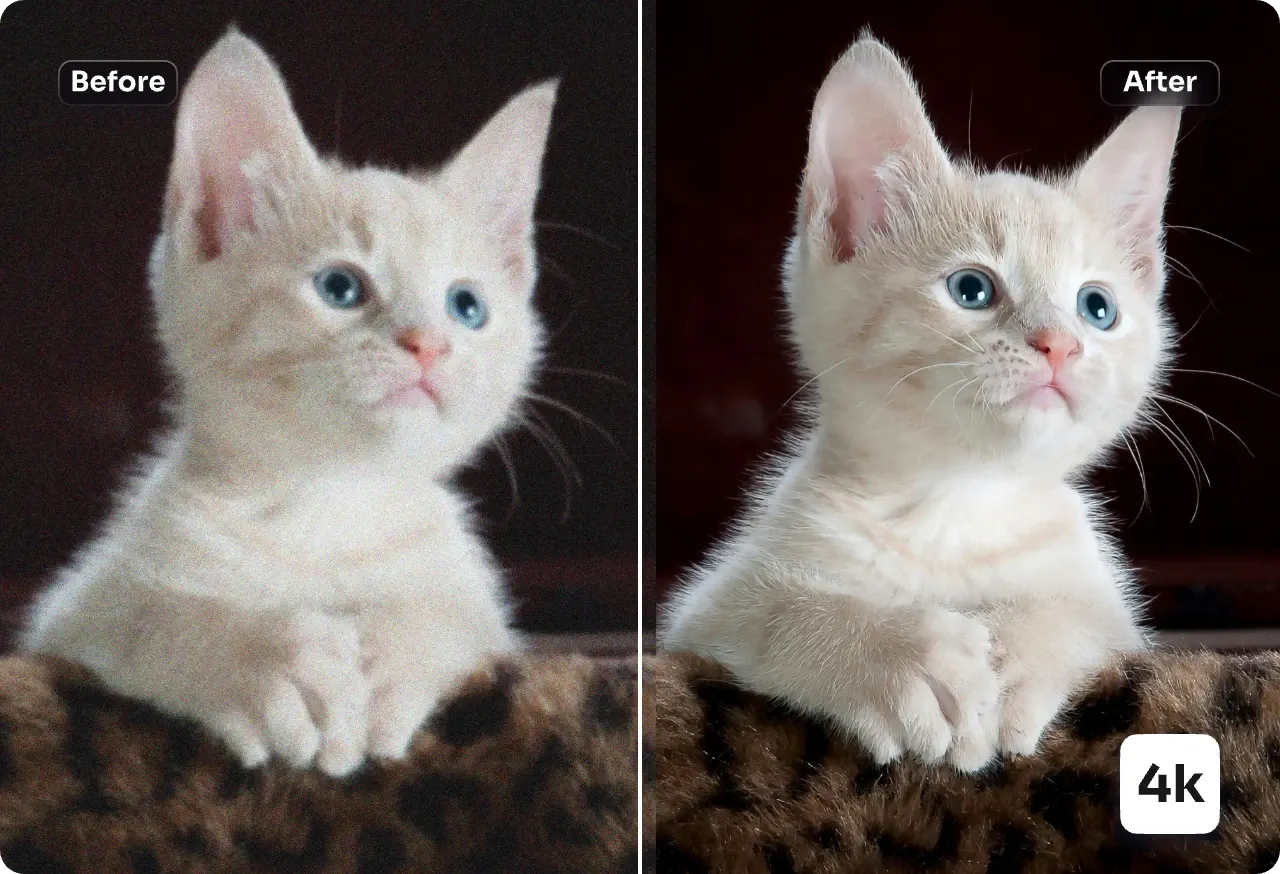
This AI photo upscaler takes small, soft or heavily compressed files and rebuilds them at higher resolution. Edges stay clean, faces stay recognizable, and product shots keep the texture that matters for listings and print.
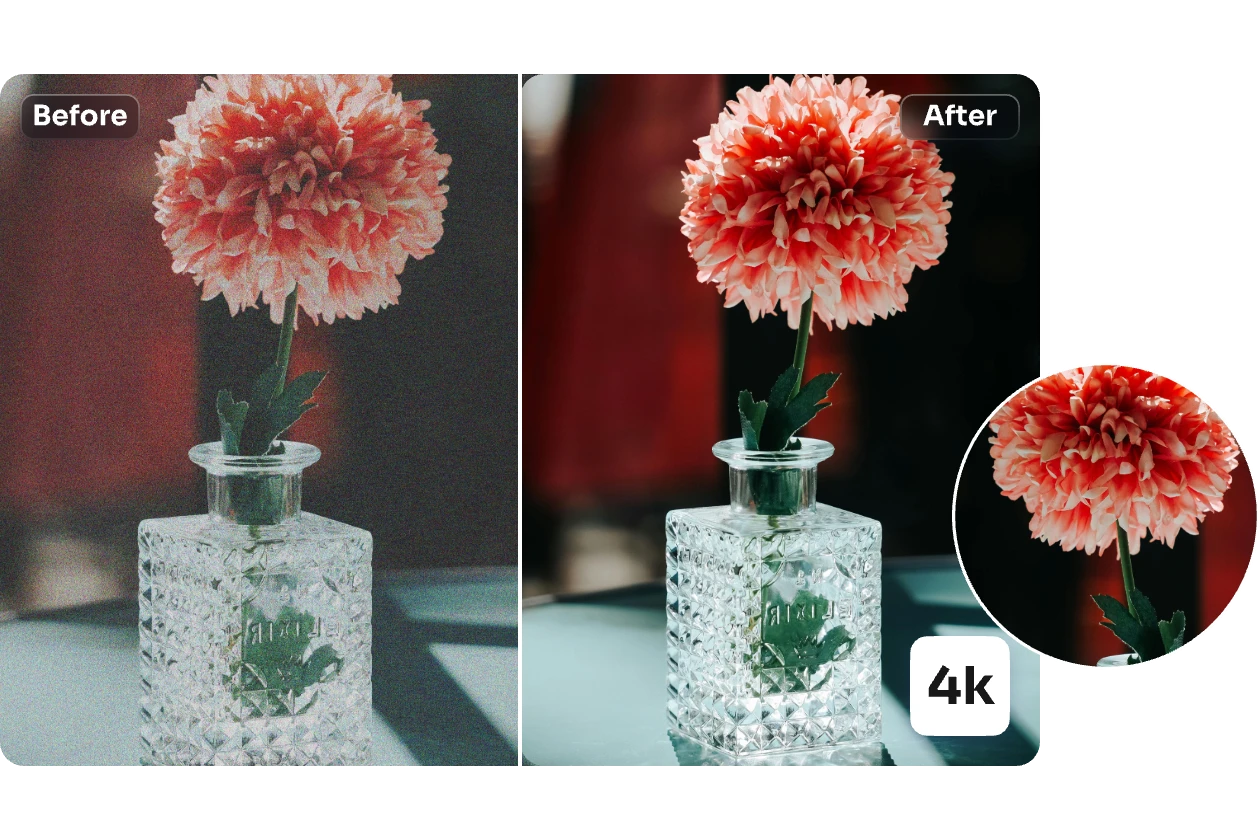
- Detail That Survives EnlargementMicro-contrast and surface texture are rebuilt rather than blurred away, so enlarged files still look photographic.
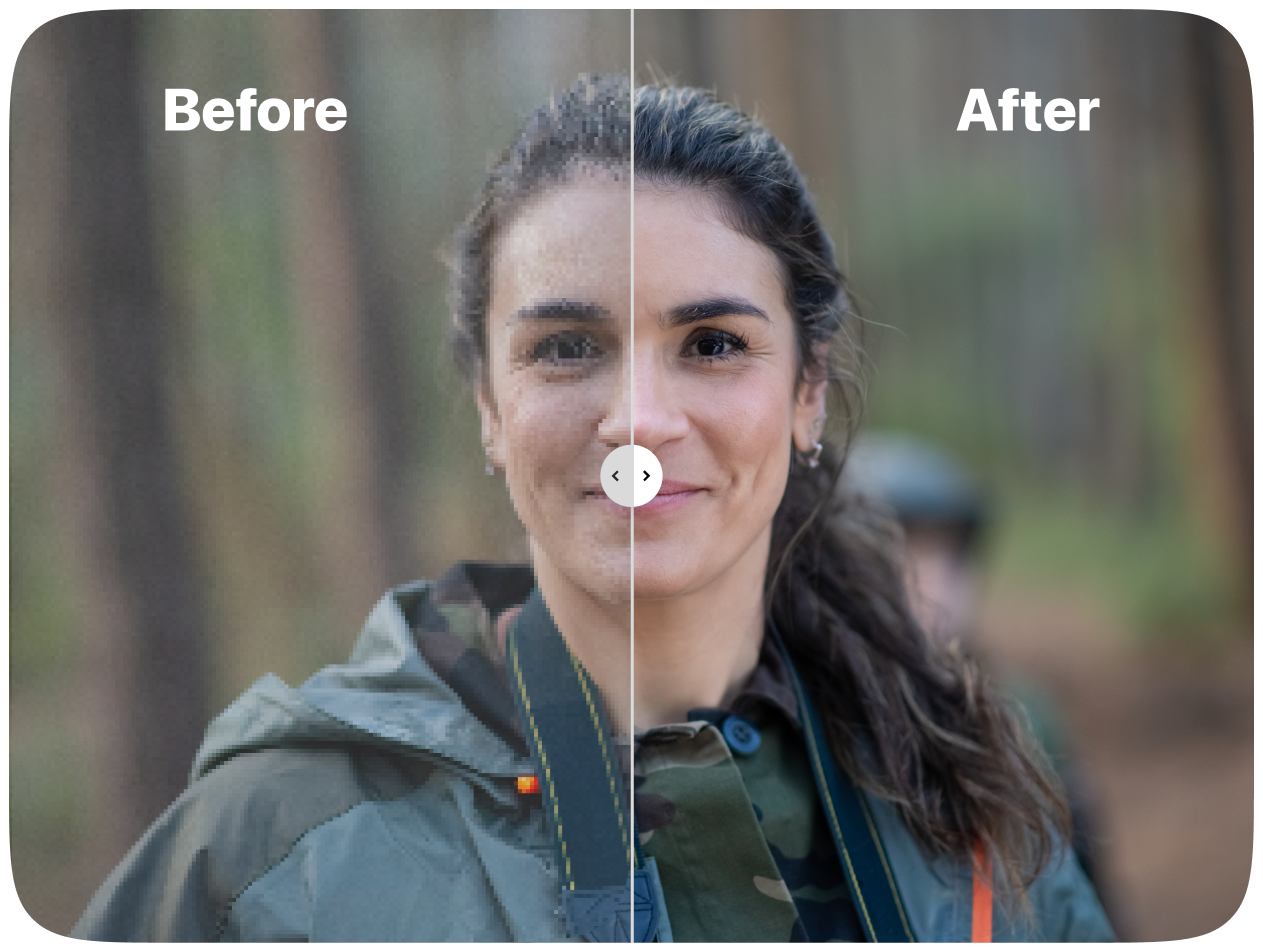
- Faces and Lettering Kept ReadableEyes, hair strands and small type are refined while halos and edge artifacts are held back.
- Compression Noise Cleared AwayBlocky JPEG patches and grain are cleaned up while outlines and brand marks stay crisp.
Why Choose AI Photo Upscaler
Higher clarity, natural textures, fast batch processing, reliable face recovery and brand protection.
Step by Step: Enlarging Photos with the AI Photo Upscaler
Upload a file, add a short note about what to fix, pick your scale, and download. The whole run usually takes under a minute.
What the AI Photo Upscaler Does Under the Hood
Built for real production work: texture, tone and brand marks survive enlargement, while compression noise and stray artifacts are cleaned out.
Crisp Enlargement
Fine detail and edge definition are reconstructed so results hold up on screen and on paper.
Texture Rebuilt, Not Smoothed
Skin, fabric and material grain come back without the waxy, plastic look.
Natural Face Refinement
Eyes, hair and facial contours are sharpened gently so the person still looks like themselves.
Compression Cleanup
JPEG blocks, ringing and stray noise are wiped out while genuine detail stays intact.
Balanced Color and Tone
Contrast and saturation stay true to the original — no oversaturated glow.
Batch-Friendly Queue
Line up many images at once for catalog, marketplace and production pipelines.
What to Know Before You Upscale a Photo
Straight answers on resolution limits, speed, face accuracy, licensing, and how to get the best result from an AI Photo Upscaler run.
What exactly does an upscaler change?
It raises pixel dimensions and then rebuilds what was lost — sharper edges, recovered texture, less noise, fewer compression artifacts.
Why use this one instead of a basic resize?
Plain resizing just stretches pixels. The AI Photo Upscaler rebuilds detail while keeping the result realistic instead of over-processed.
Which photo types benefit most?
Portraits, product shots, logos, UI mockups, scanned artwork, and any image that has been compressed or screenshotted.
How long does one upscale take?
Usually well under a minute; very large files or 4x runs can take a little longer.
Will faces and brand marks stay accurate?
Yes. Faces are refined rather than replaced, and logo edges, typography and colors are kept intact.
Can I use the results commercially?
Yes, provided your plan is active and you hold the rights to the original image.
Try the AI Photo Upscaler and See the Difference
Sharpen detail, clear compression noise and export print-ready files in seconds.